How to make a printable word search with answers
A custom word search works best when the words fit both the topic and the readers. Start with a short list, choose a manageable grid, and check the answers before handing out the puzzle. You can create and download the puzzle without an account.
Open make a word puzzle →Step by step
Give it a title and word list
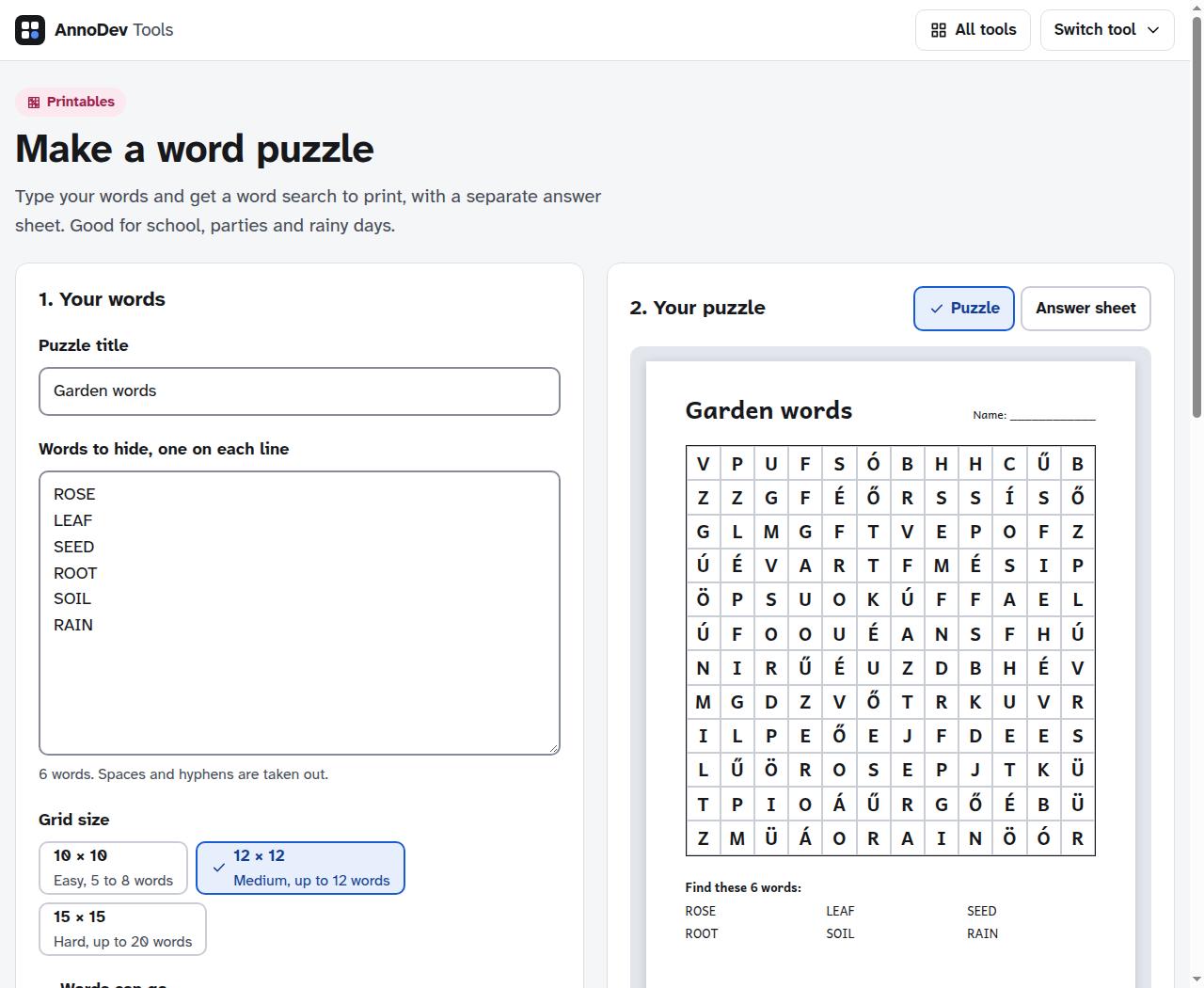
Open the word search maker. Enter “Garden words” as the puzzle title and put ROSE, LEAF, SEED, ROOT, SOIL and RAIN on separate lines. Use words your readers already recognise, or introduce the vocabulary first.
Choose a suitable difficulty
Start with the default 12 × 12 grid for this small example. Check the allowed directions; backwards and diagonal words make the task harder. Increase the grid if a word is too long or the list will not fit.
Check letters and print options
Open “More settings” to choose the filler alphabet and paper. Select English filler letters for an English-language activity. Keep the word list visible if readers need a prompt, and add a name line if useful.
Generate and review both sheets
Press “Make the puzzle”. Inspect the puzzle, then choose “Answer sheet” to see the placements. Check spelling before exporting. If you edit the words or settings, generate the result again so the preview and download match your choices.
Download the printable version
Choose “Download PDF (2 pages)”. The first page is the puzzle and the second is the answer sheet. Print only page one for participants and keep page two for checking.
A worked example
Our six garden words produced a 144-cell grid and a two-page PDF. Word placement can change between generations, so a different valid arrangement is normal. The answer sheet belongs to its generated puzzle; do not mix sheets from separate downloads.
Questions and troubleshooting
Some words cannot be placed
Make the grid larger, shorten the list or allow more directions. Long words need an uninterrupted run of cells. Check the tool’s validation message instead of assuming a missing word was included.
The puzzle is for early readers
Use fewer, shorter words and simpler directions. Check that the printed letters are comfortably readable. Accents and the filler alphabet should match the language being taught.
Ready to try it? Make a word puzzle is free to use. Files and text you submit are processed on the AnnoDev server.
Browse all practical guides